
IPTV Catch Up channels 2026: Features, Setup & Best Providers Compared
📖 Estimated read time: 15 minutes (2954 words)
📋 Table of Contents
- Understanding IPTV Catch Up: Never Miss Your Favorite Shows Again
- What Is IPTV Catch Up and How Does It Work?
- Key Features That Make IPTV Catch Up Useful
- Device Compatibility: Where Can You Watch?
- Pricing and Value Breakdown
- Getting Started: The Practical Steps
- When IPTV Catch Up Really Shines
- Where IPTV Catch Up Falls Short
- Common Mistakes People Make With IPTV Catch Up
- Is IPTV Catch Up Actually Worth It?
- Frequently Asked Questions About IPTV Catch Up
- Making Your Final Decision
Understanding IPTV Catch Up channels: Never Miss Your Favorite Shows Again
We’ve all been there. You’re buried at work, stuck in traffic, or just forgot that your favorite show was on last night. In the past, you’d have to wait weeks for reruns or hunt through sketchy streaming sites. Now, there’s a much better solution: IPTV catch up channels.
IPTV catch up is genuinely changing how people watch television. Instead of being glued to your TV at a specific time, you can watch shows hours or even days after they originally aired. It’s convenient, flexible, and honestly, it’s become pretty essential for anyone who doesn’t want to feel like they’re missing out on cultural moments.
In this guide, I’m going to break down exactly what IPTV catch up is, how it actually works, and whether it’s worth adding to your entertainment setup. I’ll be honest about what makes it great and where it falls short, so you can make an informed decision without the hype.
What Is IPTV Catch Up and How Does It Work?
IPTV catch up, sometimes called “restart TV” or “on-demand replay,” is a feature that lets you rewatch shows and live broadcasts that aired recently—usually within the past 7 to 30 days, depending on your provider. Think of it as a built-in DVR, except you don’t need any recording equipment.
Here’s the basic breakdown: Traditional TV broadcasts happen once and that’s it. If you miss it, you’re out of luck. IPTV catch up flips that model. When a show airs over IPTV, the broadcaster stores a copy of it. You can then access that stored content anytime within the catch-up window. It’s served directly to your device, so the whole process is seamless and requires minimal storage on your end.
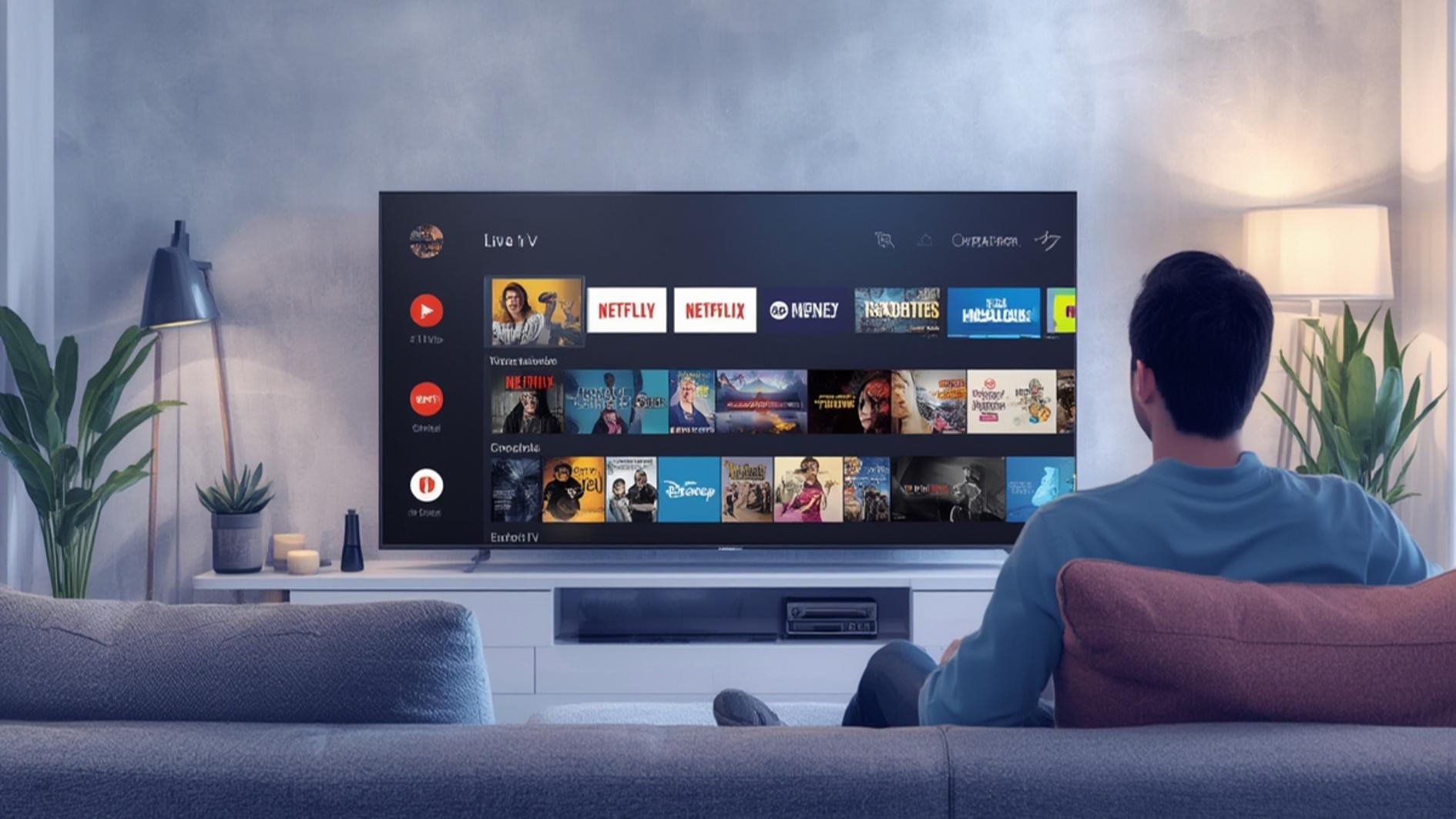
The technology behind this is actually pretty clever. Your IPTV provider maintains servers that hold recent broadcasts. When you want to watch something, the system streams that content to your device in real-time, just like it would a live channel. It’s not downloading a file or waiting for anything to load—you press play and it starts almost immediately.
What makes this different from regular on-demand services like Netflix or Disney+? Well, catch-up focuses specifically on recently aired content, usually from linear TV channels. It’s designed to complement your live TV experience, not replace it. If you’re watching sports, news, or other live programming through IPTV, catch up gives you that safety net if you miss the initial broadcast.
Key Features That Make IPTV Catch Up Useful
The real value of IPTV catch up comes down to specific features that make it practical for real life. Let me walk you through the main ones.
Extended Replay Windows are the foundation here. Most providers give you anywhere from 7 to 30 days to rewatch content. Some premium services push this to 60+ days. It’s enough time that you don’t feel rushed, but not so long that shows feel ancient. A week is typically the sweet spot—long enough to catch up if you’re on vacation or busy, but not overwhelming.
Easy Navigation and Search is another big one. Good IPTV catch-up interfaces let you browse by channel, time, genre, or even specific show. You can see what aired when and jump straight to what you want. This sounds basic, but it’s crucial. A clunky interface can ruin the entire experience.
Multiple Device Support means you can start watching on your living room TV and pick up where you left off on your tablet during lunch. This flexibility is what actually makes catch up feel essential rather than just nice to have.
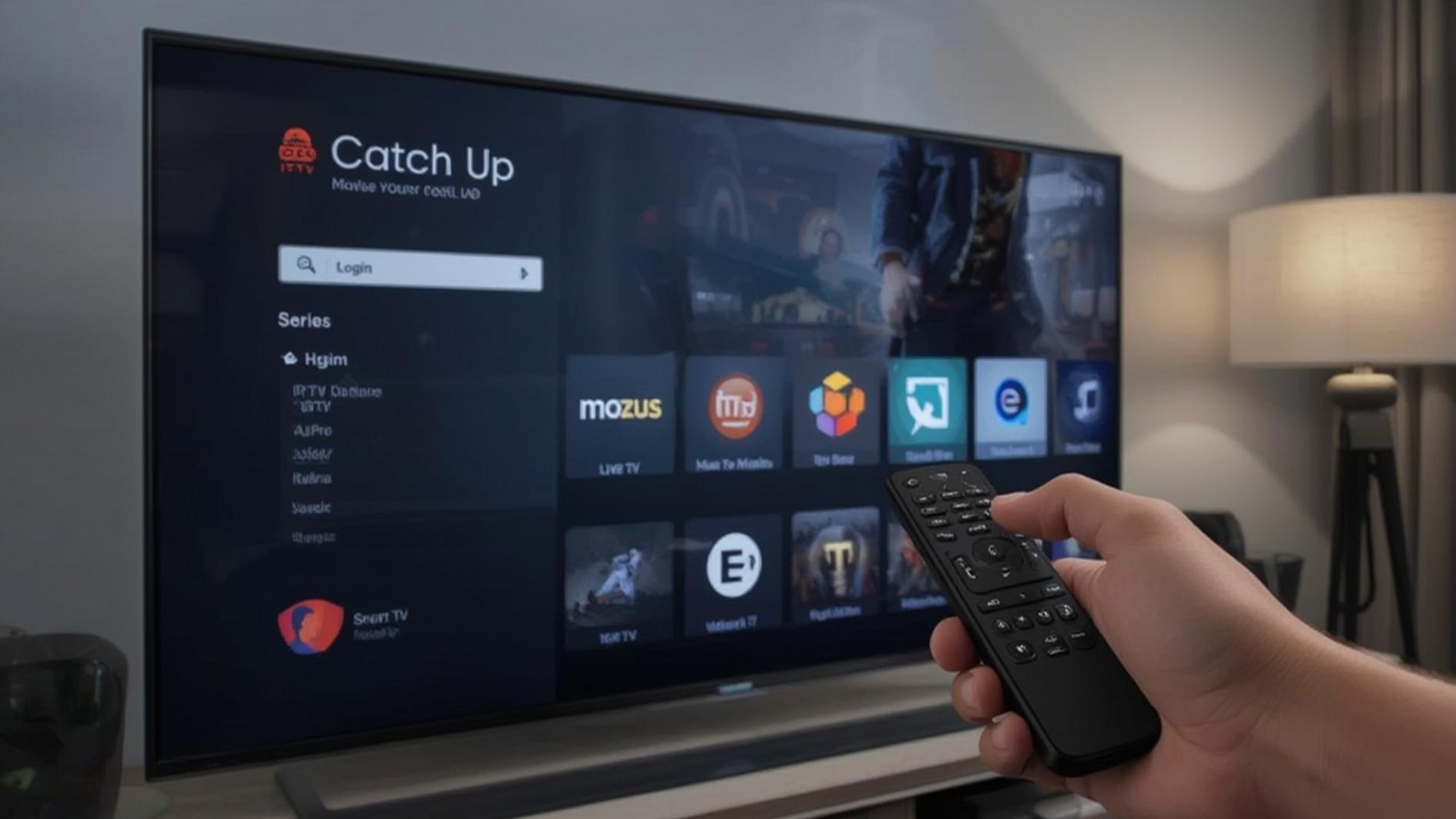
HD and 4K Quality Options have become standard on most services. You’re not stuck watching pixelated reruns. Most catch-up content streams in at least 1080p, and many services offer 4K if your connection is strong enough. Quality matters when you’re choosing to rewatch something intentionally.
Fast-Forward and Rewind Controls work just like regular TV. You can skip through commercials (or not), jump to the middle of a show, or rewind if you missed something. It’s basic functionality, but it’s essential for a good experience.
Device Compatibility: Where Can You Watch?
One of the best things about IPTV catch up is that it works across almost everything. You’re not locked into one device or ecosystem.
Smart TVs are probably the most common way to watch. If you’ve got a Samsung, LG, Sony, or most other major brands, they either have built-in IPTV apps or support streaming devices. Your TV is usually the most natural place to watch catch-up content since you’ve already got your regular shows playing there.
Streaming devices like Roku, Fire Stick, Apple TV, and Android TV boxes all support IPTV. These are great if your TV isn’t smart or if you want to upgrade without replacing your television.
Smartphones and tablets make catch up genuinely portable. Need to catch an episode on your commute? Pull up the app on your phone. It’s convenient for exactly those moments when you’d normally miss content.
Computers and laptops work through browser-based players, which is handy if you’re at work and want to sneak in an episode during lunch. Not all providers support this, but most modern ones do.
One limitation to be aware of: some services restrict how many simultaneous streams you can run. You might be able to watch on two devices at once but not three. Check your provider’s terms before assuming you can have it on every screen in your house.
Pricing and Value Breakdown
Here’s where it gets real. IPTV catch up isn’t usually a separate product you pay for. It’s a feature that comes with IPTV subscriptions. Most providers bundle it in, which means you’re not adding to your bill—you’re just getting more functionality with what you already pay for.
A typical IPTV subscription runs anywhere from $15 to $50 per month depending on the channels included, streaming quality, and number of simultaneous connections allowed. Within that price, catch-up is standard. You won’t find providers charging extra for it specifically.
The real value question isn’t “does catch up cost extra?” but rather “does the catch-up feature make this IPTV service worth the subscription?” If you frequently miss live content or travel a lot, catch up adds real value to your service. If you’re almost always home and watching live, it’s more of a nice-to-have.
Compare this to traditional cable or satellite TV, which often doesn’t offer catch up at all, or limits it severely. Suddenly that IPTV subscription starts looking pretty good.
Getting Started: The Practical Steps
Setting up IPTV catch up is straightforward. First, you need a subscription from an IPTV provider. Services like tv4one.com are solid options that include catch-up functionality, though there are many others out there.
Once you’ve got a subscription, download the IPTV app on your device. This might be on your Smart TV, streaming device, phone, or computer. Most providers have apps available on major platforms.
Log in with your account credentials, and you should immediately see your channels. Look for the catch-up section—it’s usually prominently featured. Some apps call it “On Demand,” “Restart,” or “Replay.” Navigate to the channel and show you want to rewatch, and press play.
That’s genuinely it. The interface should be intuitive enough that you don’t need a manual. If it feels confusing, that’s a sign the service isn’t designed well, and you might want to look elsewhere.
The first time I tested catch-up on a new service, I was surprised how smooth it was. No special setup, no configuration, just immediate access to shows from the past week. It’s one of those features that’s genuinely better executed than I expected.
When IPTV Catch Up Really Shines
Catch up is amazing for people with unpredictable schedules. If you work irregular hours, travel frequently, or have a family with different viewing times, catch up feels like it was designed for you. You’re not locked to specific broadcast times anymore.
Sports fans get real value too. You can watch the game replay after work instead of getting spoiled during the day. News junkies appreciate being able to catch up on the day’s top stories whenever they have time.
Parents benefit greatly. Your kid wants to watch a show that aired at 7 AM? No problem, rewatch it at 4 PM. You don’t have to coordinate around broadcast schedules.
People who cut the cable cord and switched to IPTV often cite catch up as one of the features they miss least about traditional TV. It fills that gap perfectly.
Where IPTV Catch Up Falls Short
It’s not perfect, though. Let me be honest about the limitations.
Limited Replay Window is the biggest drawback. If you’re traveling for two weeks and miss your favorite show, you might come back to find it’s expired from the catch-up window. Traditional DVR systems don’t have this problem. Plan accordingly or use an alternative if long-term access matters to you.
Channel Availability varies. Not every channel offers catch-up content, and some that do only store recent broadcasts. Smaller or niche channels might not participate at all. Check which channels you care about before committing to a provider.
Quality Dependence on your internet connection is real. Unlike a downloaded file, catch-up streams in real-time. A weak connection means buffering, lower quality, or interruptions. If your internet isn’t solid, catch up might frustrate you.
Commercials Still Play on most services. You get the same ads as the live broadcast, which defeats some of the convenience factor. Some providers do allow fast-forwarding through them, but not all.
No Personal Recording. Catch up shows you what the provider stored. You can’t record specific episodes to watch offline or keep permanently. If you need that level of control, traditional DVR or download services work better.
Common Mistakes People Make With IPTV Catch Up
Assuming all content is available is probably the biggest mistake. New users expect every show they ever watched to be in catch up. That’s not how it works. Only recent broadcasts within the replay window are available, and only if the channel participates in the service.
Not checking replay windows before canceling trips you up. You plan to watch something when you get back from vacation, but it’s expired by then. Mark your calendar or plan accordingly if something is time-sensitive.
Forgetting about buffering needs causes frustration. People assume catch up will work perfectly on any connection. It won’t. A weak WiFi signal means problems. Test it before you need it.
Ignoring expiration dates on shows is surprisingly common. You find something you want to watch, but by the time you get around to it, it’s gone. Check that timestamp before you count on rewatching something.
Not exploring your provider’s catch-up interface** early on wastes time later. Spend 10 minutes learning how your app organizes content. Different providers structure it differently, and knowing the layout makes finding shows faster.
Is IPTV Catch Up Actually Worth It?
The honest answer is: it depends on your life. If you have a flexible schedule, travel, or frequently miss live broadcasts, absolutely yes. The convenience factor is genuinely life-changing for the right person. You stop feeling like you’re missing out on shows, and you can watch on your own terms.
If you’re almost always home, watch everything live, and have a good traditional DVR system, catch up is nice but not essential. You’re already getting what you need.
The good news is that catch up comes built into most IPTV subscriptions anyway. You’re not paying extra for it. So the real question becomes: “Is IPTV worth it compared to my current TV solution?” At that point, catch-up is just one feature among several that tips the scales.
For most people evaluating IPTV services, services like tv4one.com include solid catch-up functionality that makes the overall package attractive. Check reviews of specific providers to see how well their catch-up feature works in practice.
Frequently Asked Questions About IPTV Catch Up
Q: How long can I keep catch-up content before it expires?
A: Most services offer 7 to 30 days. Some go up to 60 days. After that window closes, the content is removed from the catch-up library. Check with your specific provider for exact times.
Q: Can I download catch-up shows to watch offline?
A: Usually no. Catch-up streams to your device in real-time. You need an active internet connection to watch. Some premium services offer offline download options, but it’s not standard.
Q: Will catch-up work on my older Smart TV?
A: Probably, but not guaranteed. Most Smart TVs from the past 5-7 years support IPTV apps with catch-up. Older models might not. Check if the app you want is available for your TV model before subscribing.
Q: Do I need faster internet for catch-up than for regular TV?
A: No, catch-up uses the same bandwidth as live IPTV. A connection that streams live channels well will handle catch-up fine. The difference is that buffering is more noticeable during catch-up since you’re starting fresh rather than joining an ongoing stream.
Q: Can multiple people watch different catch-up shows at the same time?
A: That depends on your subscription. Most plans allow 2-4 simultaneous streams. When you hit the limit, someone has to stop watching before another person can start.
Q: What happens if the show I want to catch up on isn’t available?
A: It either means the channel doesn’t offer catch-up, the show aired outside the replay window, or there was a technical issue with the broadcast. Your only option is to wait for it to air again or find it through other means.
Making Your Final Decision
IPTV catch up is one of those features that seems small until you actually need it, and then you wonder how you lived without it. It won’t revolutionize your life, but it will give you back flexibility and control over when you watch.
The fact that it comes standard with most IPTV subscriptions makes it easy to try without extra investment. Pick a reputable provider, including options like tv4one.com, set up the app, and explore the catch-up section. Within five minutes, you’ll know if it’s something you’ll actually use.
For people who’ve cut cable, catch-up often turns out to be more valuable than they expected. For busy people, travelers, and shift workers, it’s genuinely essential. Even if you only use it occasionally, having it available means less stress about missing shows.
The bottom line: if you’re considering IPTV anyway, catch-up is a feature that tips the scales toward “yes” for most people. It’s not the only reason to subscribe, but it’s a solid bonus that adds real-world value to your service. Test it out, see how it fits your life, and make a decision from there.
“`
💡 Recommended Provider
For a reliable streaming experience, many users trust TV4ONE for its fast activation and stable performance.

Hi, I’m Baker Magil, an entrepreneur based in the United States and the founder & CEO of StreamsReview.com — a platform dedicated to bringing honesty and clarity to the world of IPTV and streaming services.
A few years ago, I was just like many streaming enthusiasts: searching for a reliable way to watch my favorite channels online. I tried countless IPTV services, each promising HD quality and thousands of channels, yet most left me frustrated with buffering, poor support, and wasted money.
Then, one night, during a big game, yet another service failed me. Instead of giving up, I realized there had to be a better way. I began testing IPTV services myself — comparing features, performance, and customer experience — to uncover which providers truly delivered and which fell short.
What started as a personal quest quickly grew into StreamsReview.com. Today, it’s a trusted platform where users can discover the best streaming services through real testing, transparent reviews, and detailed analysis — helping people make informed choices without the frustration I once faced.