
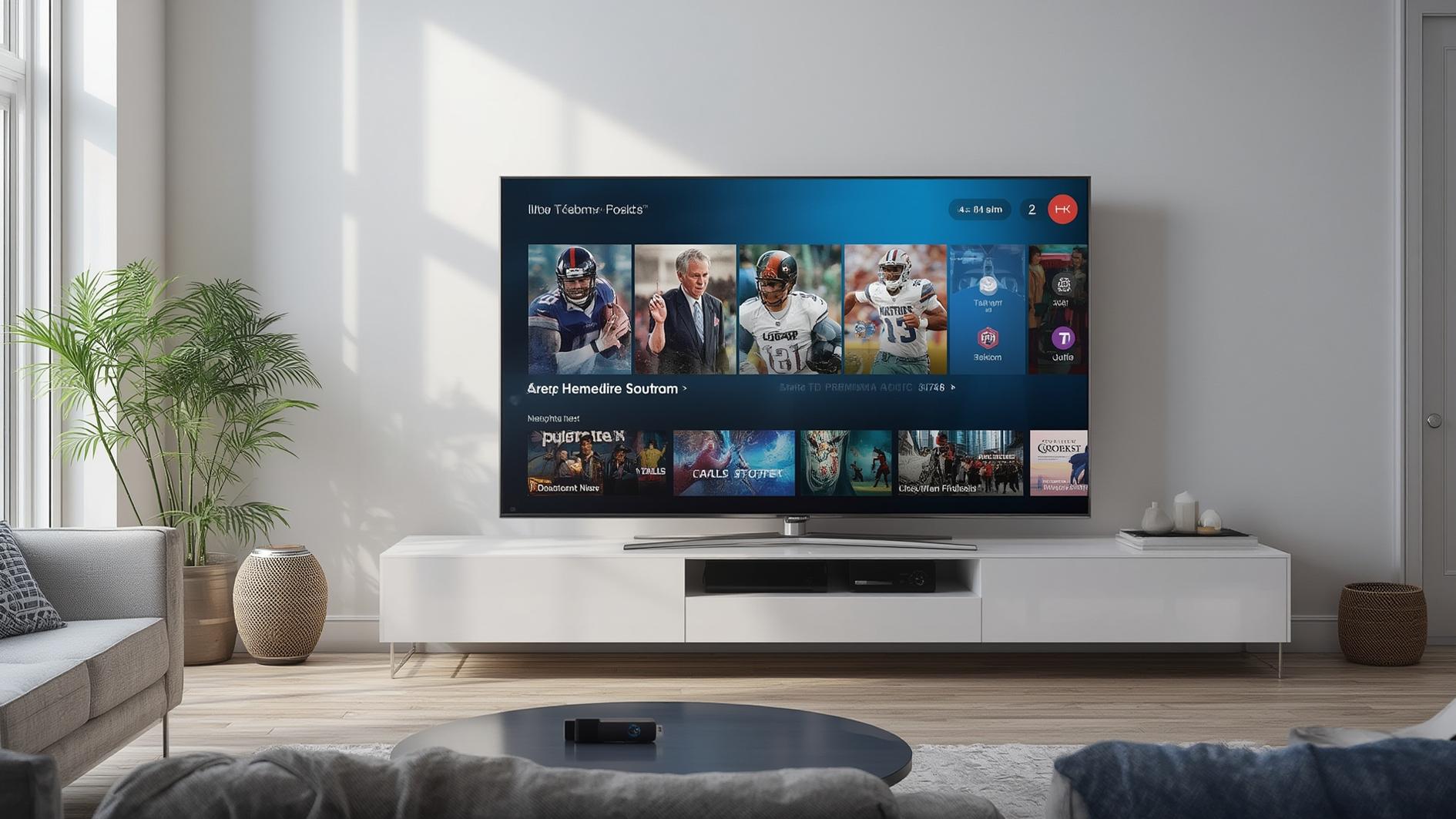
Smart STB 2026 Review: Features, Pricing & Setup Guide
📖 Estimated read time: 15 minutes (2898 words)
📋 Table of Contents
- Understanding Smart STB Technology: Everything You Need to Know
- What Exactly Is a Smart STB?
- Key Features That Actually Matter
- Device Compatibility and Setup
- Pricing and Value Proposition
- Getting Started: A Practical Guide
- The Honest Pros and Cons
- Common Mistakes People Make
- Is a Smart STB Actually Worth It?
- Frequently Asked Questions
- Final Verdict
Understanding Smart STB Technology: Everything You Need to Know
If you’ve been shopping for a new way to watch TV or streaming content, you’ve probably stumbled across the term “smart STB” and wondered what all the fuss is about. Here’s the thing: smart set-top boxes have quietly become one of the most practical investments for cord-cutters and traditional TV watchers alike. But before you make any decisions, let’s break down exactly what you’re looking at.
The entertainment landscape has changed dramatically over the past decade. We’re no longer tethered to cable companies’ rigid schedules or limited channel lineups. A smart STB—which stands for set-top box—is basically your gateway to this new world of flexibility. It transforms your regular TV into a hub for streaming, IPTV, and on-demand content. But it’s not just about access; it’s about having control over what you watch, when you watch it, and how you watch it.
By the end of this guide, you’ll understand how these devices work, whether they’re right for your setup, and how to avoid the common pitfalls that catch people off guard. Let’s dive in.
What Exactly Is a Smart STB?
A smart STB is essentially a specialized computer that sits between your internet connection and your television. Think of it as a translator—it takes digital content from the internet and converts it into something your TV can display. Unlike older set-top boxes that just received cable or satellite signals, a smart STB is connected to the internet and can access thousands of apps, channels, and services.
The “smart” part is what makes this interesting. These devices run operating systems—usually Android or custom Linux-based software—that give you access to an app ecosystem. You can download Netflix, YouTube, live TV apps, sports streaming services, or IPTV applications. Some smart STBs are designed specifically for IPTV, while others function more like traditional streaming devices with broader app compatibility.
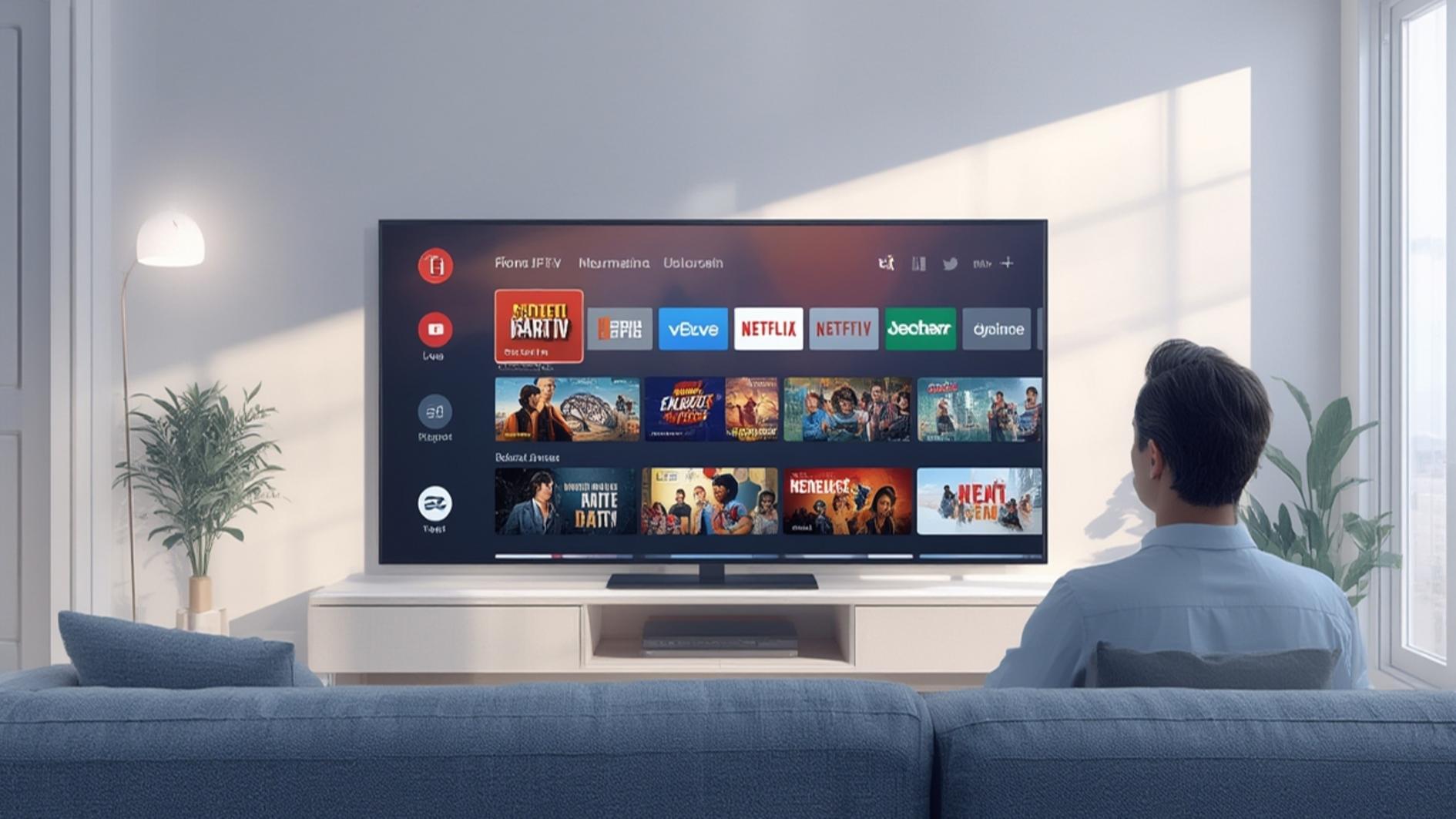
Here’s how it works in practice: You plug the smart STB into your TV and connect it to your router via ethernet or WiFi. From there, you navigate through an interface (called a skin or UI), select an app, and start watching. It’s genuinely that straightforward. The device handles all the heavy lifting—streaming quality adjustment, buffering, app management—while you just enjoy your content.
What makes a smart STB different from something like a Roku or Amazon Fire Stick? Often, it’s about optimization. Many smart STBs are specifically tuned for IPTV services, offering better integration with live TV channels, electronic program guides, and multi-room viewing capabilities. They’re built for a different use case than general-purpose streaming sticks.
Key Features That Actually Matter
Not all smart STBs are created equal, and understanding the features that genuinely improve your experience will save you money and frustration. Let’s look at what separates good ones from mediocre ones.
Processing Power and RAM
Think of this as the brain of your device. A smart STB with a decent processor and at least 2GB of RAM will handle multiple apps, rapid channel switching, and 4K content without stuttering or freezing. Budget models sometimes skimp here, and you’ll notice it when you’re trying to browse channels quickly. If you’re doing anything beyond basic viewing—like running multiple apps simultaneously—this matters more than you’d think.
Storage Capacity
Most smart STBs come with 8GB to 32GB of internal storage. Here’s the reality: apps take up space. If you want Netflix, YouTube, a couple of IPTV apps, plus some gaming apps, you’ll want at least 16GB available after the operating system takes its cut. Some devices let you expand storage via USB, which is a nice bonus.
Connectivity Options
You’ll want both ethernet and WiFi options. Ethernet is always more stable for streaming, but WiFi gives you flexibility in placement. Some higher-end smart STBs also include Bluetooth for wireless headphones or controllers, which is genuinely convenient for late-night watching.
4K and HDR Support
If you’ve got a 4K TV, you’ll want a smart STB that supports 4K resolution and ideally HDR (High Dynamic Range) as well. This isn’t just marketing speak—the difference in picture quality is visible and worth the investment if you’re already watching on a modern TV. However, not all content is available in 4K, so don’t let this be the sole deciding factor.
Remote Control Quality
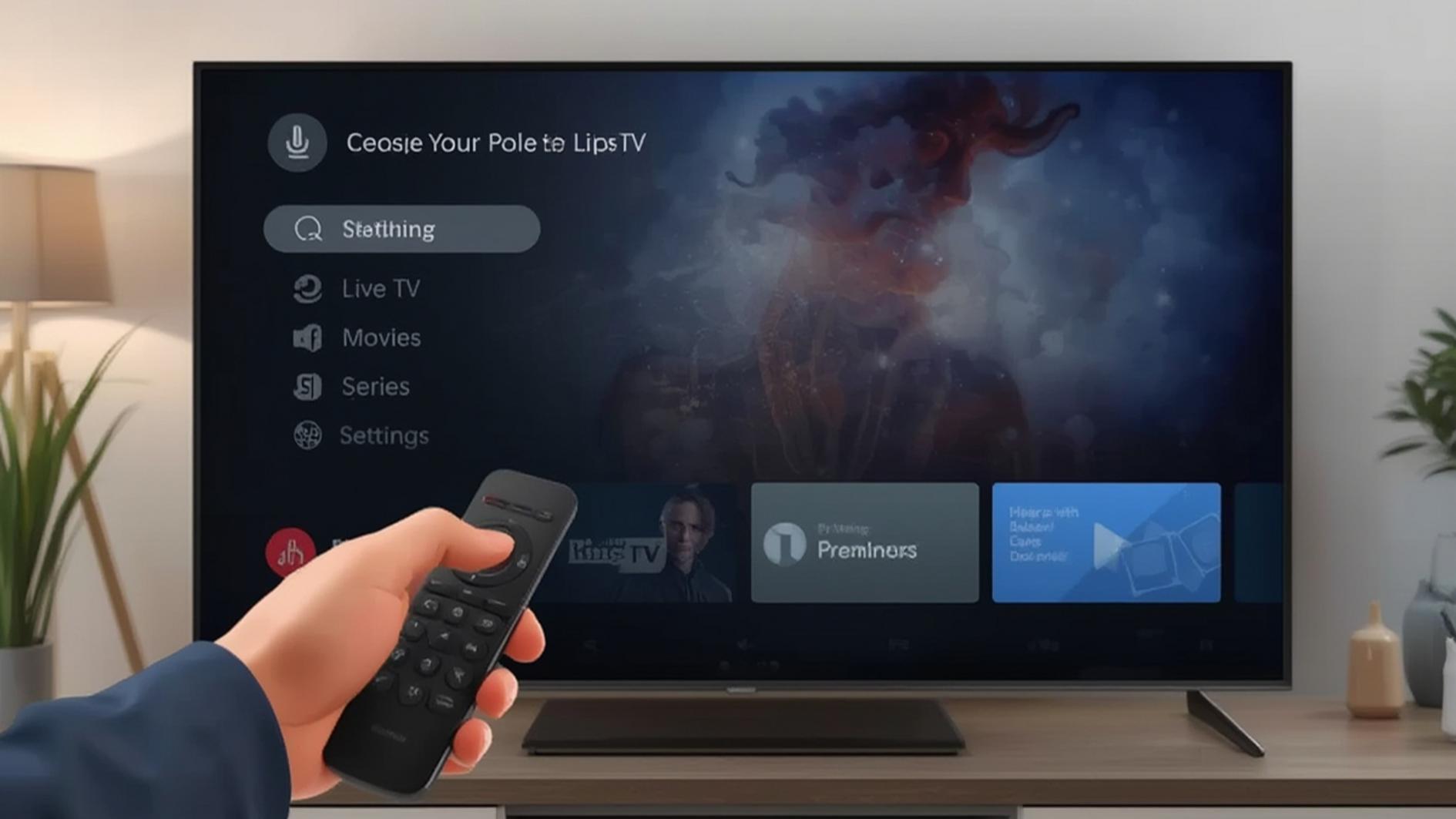
You’ll be using this thing constantly, so don’t overlook it. Good remotes have responsive buttons, intuitive layouts, and maybe even voice control. A bad remote can make even a great device frustrating to use daily. Some smart STBs now include remotes with built-in microphones for voice searching, which actually does save time.
Device Compatibility and Setup
Here’s something people often worry about unnecessarily: compatibility. Most smart STBs work with virtually any modern TV. They connect via HDMI, which has been standard for over a decade now. If your TV was made in the last 10 years, you’re almost certainly fine.
The real compatibility question is about which services and apps the device supports. This varies significantly between models. Some smart STBs excel at IPTV integration, while others prioritize mainstream streaming services. Before you buy, check whether your preferred apps—whether that’s Netflix, YouTube, a specific IPTV service, or something else—are available.
Setup is typically painless. You’ll connect the device to power and your network, then go through an initial configuration where you set your language, timezone, and login to your accounts. Most people have it running in under 10 minutes. The real time investment comes from installing your apps and customizing the home screen to your preferences.
One thing to verify: check whether your internet speed is adequate. Most smart STBs need at least 15 Mbps for reliable 4K streaming, and 5-10 Mbps for HD. If your connection is slower or unstable, a smart STB won’t fix that problem—it’ll just expose it.
Pricing and Value Proposition
Smart STBs come in a wide price range. You can find budget options starting around $30-50, mid-range devices between $60-150, and premium models reaching $200 or more. Here’s what you typically get at each tier:
Budget Models ($30-50)
These handle basic streaming adequately. HD content plays fine, app selection is limited but functional, and they’ll last you a couple of years. The tradeoff is slower performance, fewer connectivity options, and limited app support. They’re fine if you just want Netflix and a few other services.
Mid-Range Devices ($60-150)
This is where most people find the sweet spot. You get decent processing power, 4K support, good app selection, and build quality that should last several years. This is where I’d point most people.
Premium Models ($150+)
These offer the best performance, extensive app libraries, superior build quality, and sometimes warranty coverage or support. You’re paying for reliability and future-proofing, which matters if this device is central to your entertainment setup.
The value question is personal. Ask yourself: what are you replacing? If you’re ditching cable, even a mid-range smart STB pays for itself in a month or two. If you already have a streaming setup that works, upgrading needs to be justified by specific limitations of your current device.
For quality options in this space, smart stb solutions have become increasingly refined. There’s also https://tv4one.com which offers solid alternatives worth considering if you want to compare options.
Getting Started: A Practical Guide
Let’s say you’ve decided a smart STB makes sense for you. Here’s how to actually get one set up without frustration.
Step 1: Choose Your Device
Research what’s available based on your budget and which apps matter most to you. Don’t just pick the cheapest option; read actual user reviews focusing on long-term performance, not just first impressions.
Step 2: Check Your Internet
Run a speed test before you buy. If you’re consistently below 10 Mbps, a smart STB won’t solve your streaming problems. You might need to upgrade your internet instead.
Step 3: Prepare Your Setup
Make sure you have a clear HDMI port on your TV, easy access to your router for ethernet (or good WiFi signal), and ideally a location near an outlet. Some people use the space behind their TV, but a media cabinet works too.
Step 4: Initial Configuration
Follow the setup wizard. It’ll guide you through language, network connection, and account creation. Take your time here; getting this right makes everything smoother.
Step 5: Install Your Apps
Don’t install everything at once. Start with your essential apps, then add others as needed. This keeps your device running smoothly and prevents storage from getting clogged.
Step 6: Customize Your Home Screen
Most smart STBs let you arrange apps and services however you want. Put your most-used apps front and center so you’re not digging through menus constantly.
The Honest Pros and Cons
Real Advantages
The biggest pro is flexibility. You’re not locked into any provider’s content choices or schedule. You watch what you want, when you want it. There’s also the cost savings—especially if you’re replacing cable, the annual savings can be substantial. Performance has improved dramatically in recent years; newer smart STBs are genuinely fast and reliable. Plus, the app ecosystem keeps expanding, so you’re not locked into yesterday’s technology.
Multi-room capabilities are underrated too. Some smart STBs support viewing on multiple TVs simultaneously, which is great for households where different people watch different things at the same time.
Real Limitations
Let’s be honest about the downsides. Not all apps are available on every platform. If you absolutely need a specific service, verify it’s supported before buying. Content fragmentation is real—your favorite show might be on three different streaming services, which gets annoying. There’s also the learning curve with remotes and interfaces, especially if you’re coming from traditional cable.
Internet stability becomes critical. A smart STB is only as good as your connection. If your WiFi cuts out frequently, you’ll have a bad experience no matter how good the device is. Some people also find the need to manage multiple subscriptions to be a hassle, though that’s more about the streaming landscape than the device itself.
Finally, not all content is available in 4K yet, and pricing on streaming services keeps creeping up, which cuts into those cost savings people expect.
Common Mistakes People Make
I’ve seen folks waste money and time by overlooking simple things. Here are the mistakes to avoid:
Mistake 1: Not Checking Supported Apps
You buy a smart STB only to discover your required app isn’t available. Always research app compatibility before purchase.
Mistake 2: Ignoring Internet Quality
Blaming your device for buffering when the problem is your WiFi signal. A smart STB can’t fix bad internet—it’ll just make the problem obvious.
Mistake 3: Choosing Solely on Price
The cheapest option isn’t always the best value. A $50 device that’s sluggish and crashes monthly will cost you more in frustration than a $100 device that works reliably.
Mistake 4: Not Checking Storage Capacity
Running out of storage after installing apps is incredibly common. Calculate what you actually need before buying.
Mistake 5: Skipping the Setup Guide
Some people skip the manual and then struggle with basic functionality. Spend 15 minutes understanding your specific device.
Mistake 6: Choosing Based on Aesthetics Alone
That sleek, minimalist device looks nice, but if it’s underpowered for your needs, you’ll regret it. Form should follow function.
Is a Smart STB Actually Worth It?
This depends entirely on your situation. If you’re a cord-cutter looking to consolidate streaming services, absolutely yes. If you’re a traditional cable subscriber tired of high bills and limited choices, probably yes. If you already have a working setup and are just thinking about upgrading, maybe not.
The real value of a smart STB is control and flexibility. You’re not at the mercy of programming schedules. You’re not paying for 200 channels when you only watch 10. You can switch services whenever you want. For many people, that freedom is worth whatever you’re paying.
That said, there’s no one-size-fits-all solution. What works for someone who watches 4K movies every night might be overkill for someone who mainly watches YouTube and occasional Netflix. Consider your actual viewing habits, not theoretical ones.
Frequently Asked Questions
Q: Will a smart STB work with my old TV?
A: If your TV has an HDMI port (which basically every TV made since 2008 does), yes, it’ll work. Just connect it and you’re good to go. Older TVs without HDMI would need an adapter, which gets messy.
Q: Do I need a separate subscription for the smart STB itself?
A: No, the device itself doesn’t require a subscription. You pay for the apps and services on it—Netflix, YouTube, IPTV providers, etc. The device is just the vehicle for accessing them.
Q: Can I use a smart STB with cable TV?
A: Most smart STBs are designed for streaming and IPTV. If you want to use cable alongside it, you’d need a separate cable box, and everything would go through your TV’s input switcher. It’s technically possible but not ideal.
Q: What internet speed do I actually need?
A: For HD streaming, 5-10 Mbps is adequate. For 4K, aim for 15-25 Mbps. These are minimums though; having extra headroom makes everything smoother, especially if multiple people are on the network simultaneously.
Q: Can I upgrade the storage on my smart STB?
A: Some devices support USB external storage, but most don’t support permanent expansion. Check your specific model. Cloud storage for apps and settings helps free up space on many devices.
Q: How long do these devices typically last?
A: A quality smart STB should last 3-5 years reliably. After that, apps might not support older hardware, updates slow down, or the device just starts acting sluggish. This is actually pretty good longevity for consumer electronics.
Final Verdict
A smart STB is a genuinely useful device if you’re looking to take control of your entertainment. It’s not perfect—no technology is—but it solves real problems that cord-cutters and streaming enthusiasts face.
The key is choosing the right device for your actual needs, not aspirational ones. A mid-range smart STB handling IPTV and mainstream streaming services is the right choice for most people. Budget models work fine if you’re price-sensitive and don’t mind occasional slowness. Premium models make sense if you stream a lot and want the best possible experience.
Don’t get paralyzed by analysis though. The technology has matured to the point where most decent smart STBs will serve you well. Focus on app availability, internet quality, and realistic pricing. Set it up properly, manage your apps sensibly, and you’ll likely be very happy with your choice.
The entertainment landscape has shifted from passive consumption to active choice. A smart STB is one of the best tools for embracing that shift. Whether it’s the right tool for you depends on how much you value that freedom and flexibility.

Hi, I’m Baker Magil, an entrepreneur based in the United States and the founder & CEO of StreamsReview.com — a platform dedicated to bringing honesty and clarity to the world of IPTV and streaming services.
A few years ago, I was just like many streaming enthusiasts: searching for a reliable way to watch my favorite channels online. I tried countless IPTV services, each promising HD quality and thousands of channels, yet most left me frustrated with buffering, poor support, and wasted money.
Then, one night, during a big game, yet another service failed me. Instead of giving up, I realized there had to be a better way. I began testing IPTV services myself — comparing features, performance, and customer experience — to uncover which providers truly delivered and which fell short.
What started as a personal quest quickly grew into StreamsReview.com. Today, it’s a trusted platform where users can discover the best streaming services through real testing, transparent reviews, and detailed analysis — helping people make informed choices without the frustration I once faced.